


Look things up
Show me all the shared mailboxes. Who is in the Sales group. Where did this message go.
GET /exchange/v1.0/mailboxes
    ?$filter=RecipientTypeDetails eq 'SharedMailbox'
    &$select=DisplayName,PrimarySmtpAddress&$top=3
Authorization: Bearer eyJ0eXAiOiJKV1Qi...
{
  "@odata.context": ".../$metadata#mailboxes(DisplayName,PrimarySmtpAddress)",
  "value": [
    { "DisplayName": "Finance", "PrimarySmtpAddress": "finance@contoso.com" },
    { "DisplayName": "Front desk", "PrimarySmtpAddress": "frontdesk@contoso.com" },
    { "DisplayName": "Support", "PrimarySmtpAddress": "support@contoso.com" }
  ]
}
the unofficial REST API for Exchange Online
A Microsoft-Graph-shaped REST and OData v4 API in .NET 10 that fronts the Exchange Online PowerShell cmdlet surface with typed JSON. Self-hosted in your own tenant, callable from any language.
One minute, captions only: a REST client lists shared mailboxes, previews a change with dryRun, then applies it. Mock tenant, real routes.
Nearly everything about your organisation's email system is administered from one place: a PowerShell terminal, one cryptic command at a time. That suits an expert at the keyboard and nothing else. A phone app, a company portal or an automated assistant cannot type at a terminal; they speak plain, labelled requests over HTTPS.
Microsoft Graph covers a slice of this, mostly mail content and a handful of settings. The bulk of day-to-day Exchange Online administration still lives only at that terminal.
exonaut is the self-service counter in front of that terminal. Any app, in any language, sends a plain web request; behind the scenes the service runs the right cmdlets, cleans up the output and returns a tidy, predictable result. The app never has to know PowerShell exists.
You host it yourself, and it signs into Exchange Online with credentials you control, secret-free in production.


One web request each, typed JSON back.
Look things up
Make changes
Build on top of it
The baseline is the Exchange Online cmdlet surface: it decides what can be done and which fields exist, and nothing is invented beyond it. The shape is Microsoft Graph: entity sets, OData query options, a $metadata document, $ref for relationships and a paginated collection envelope. Graph-style where Graph has the concept, cmdlet-aligned where it does not.
GET /exchange/v1.0/mailboxes/jane@contoso.com/permissions
Authorization: Bearer ...

200 OK: one entry per access control entry, typed and paged
POST /exchange/v1.0/distributionGroups/field-sales@contoso.com/members/$ref
Content-Type: application/json

{ "member": "jane@contoso.com" }

204 No Content: Add-DistributionGroupMember -Member jane@contoso.com
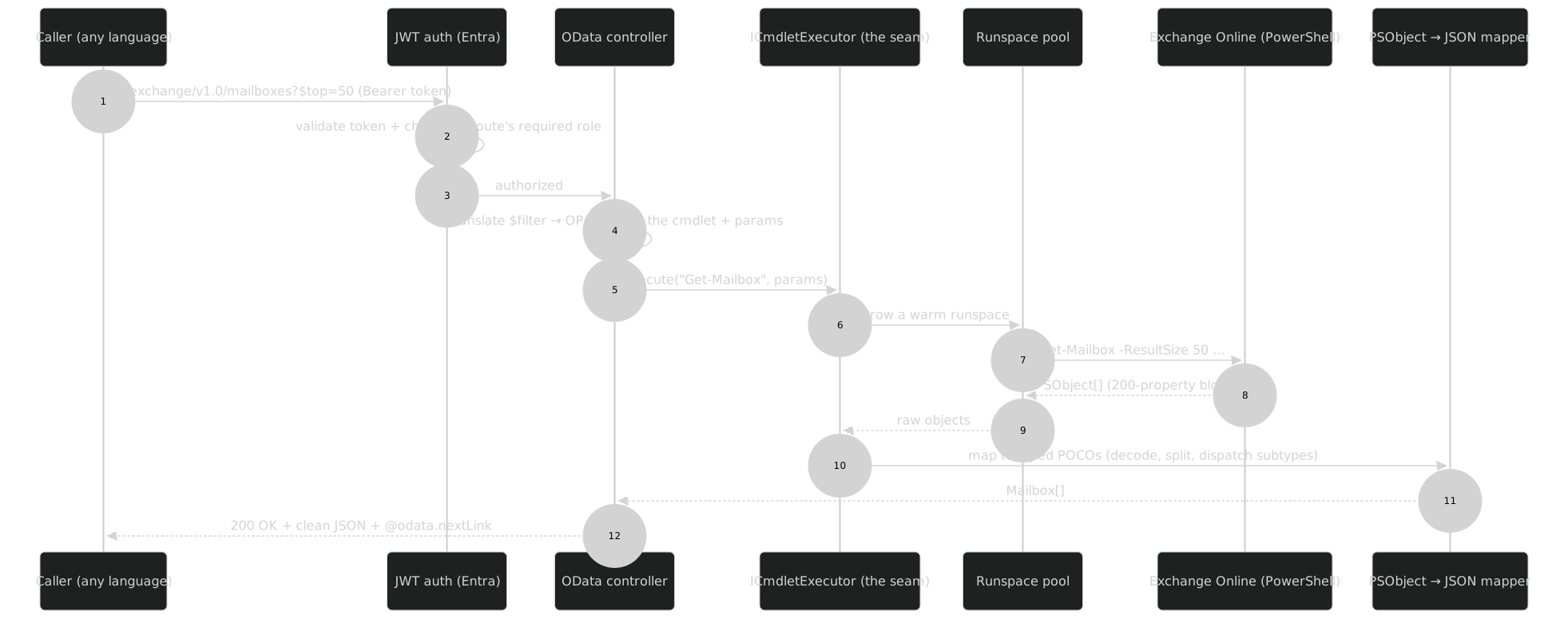
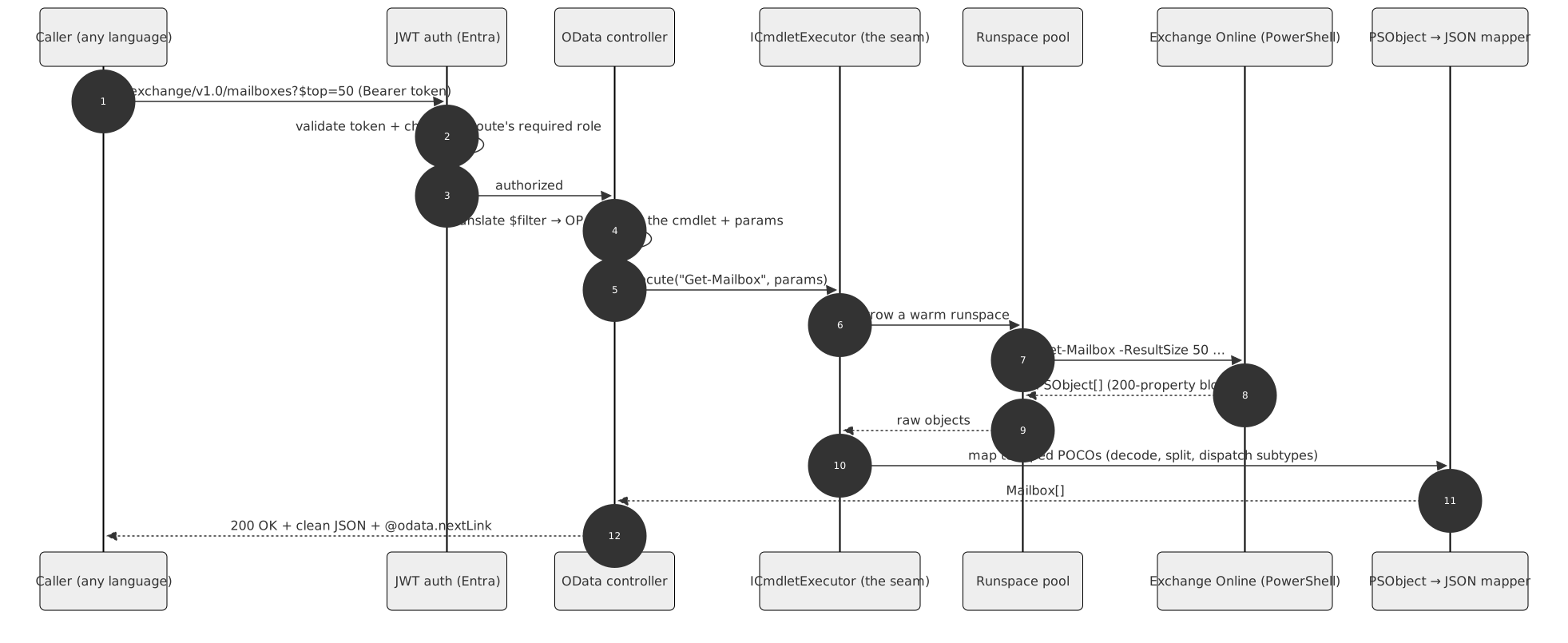
Counted from the API's own manifests when this site was built. The coverage page breaks the numbers down by tier.
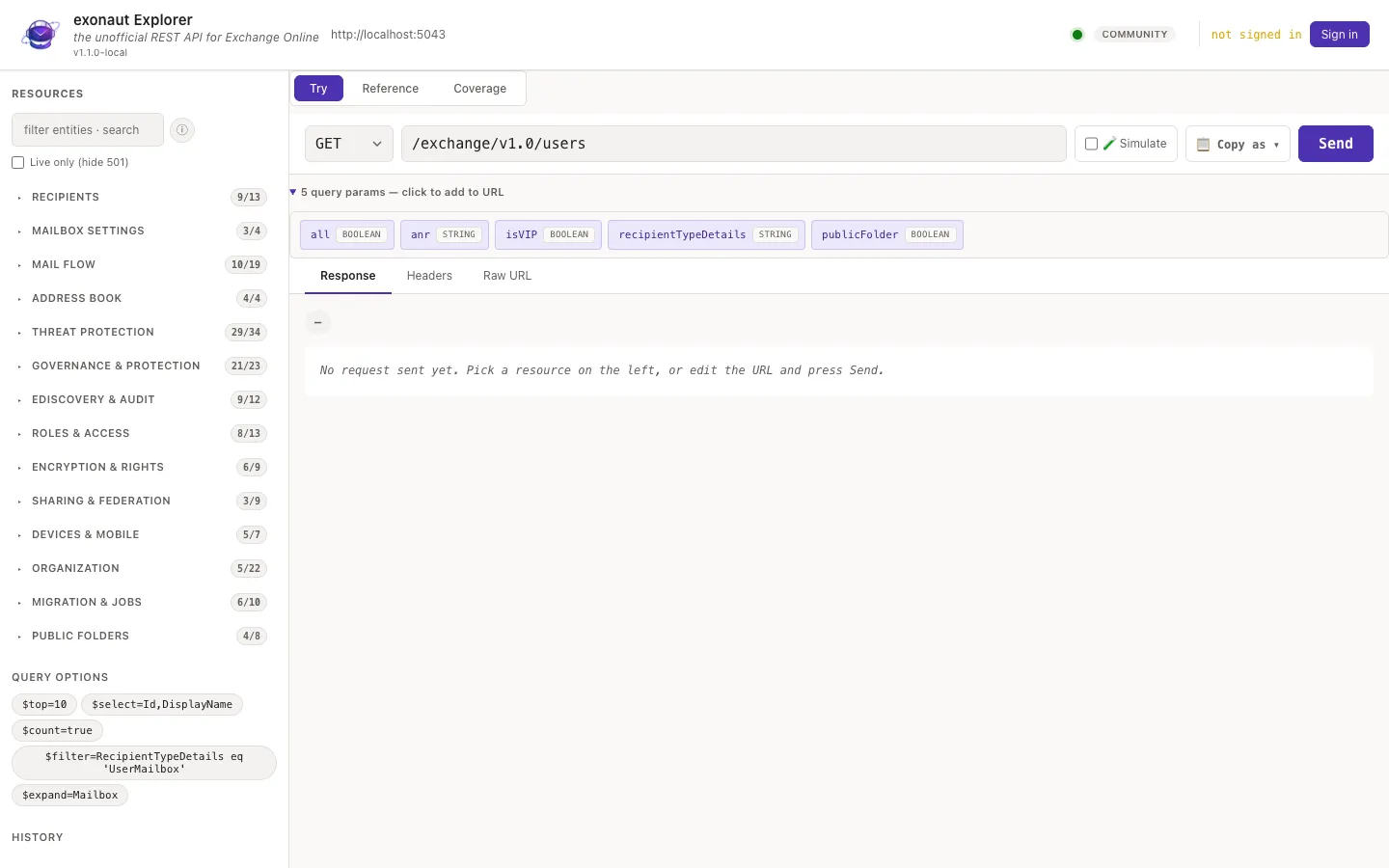
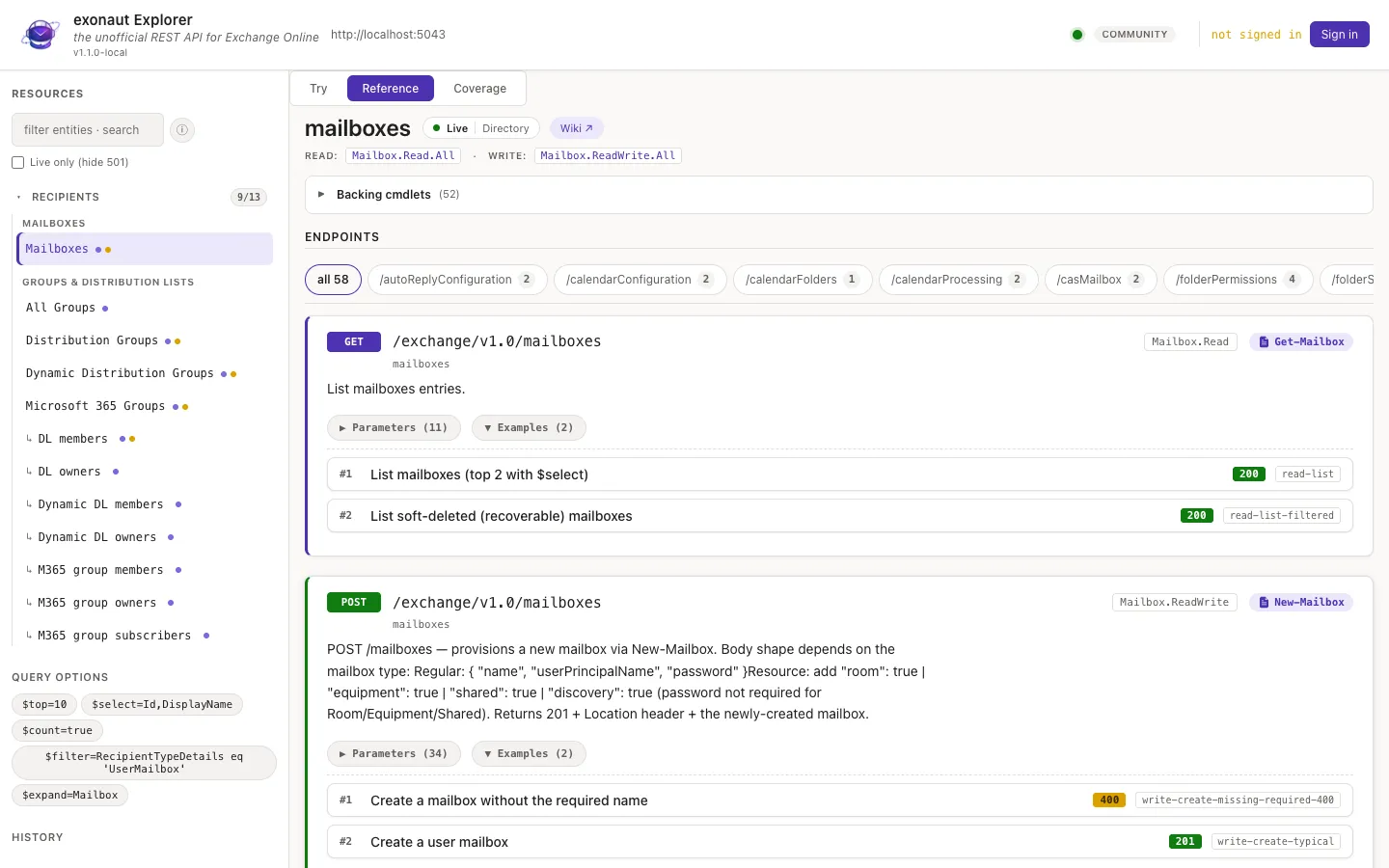
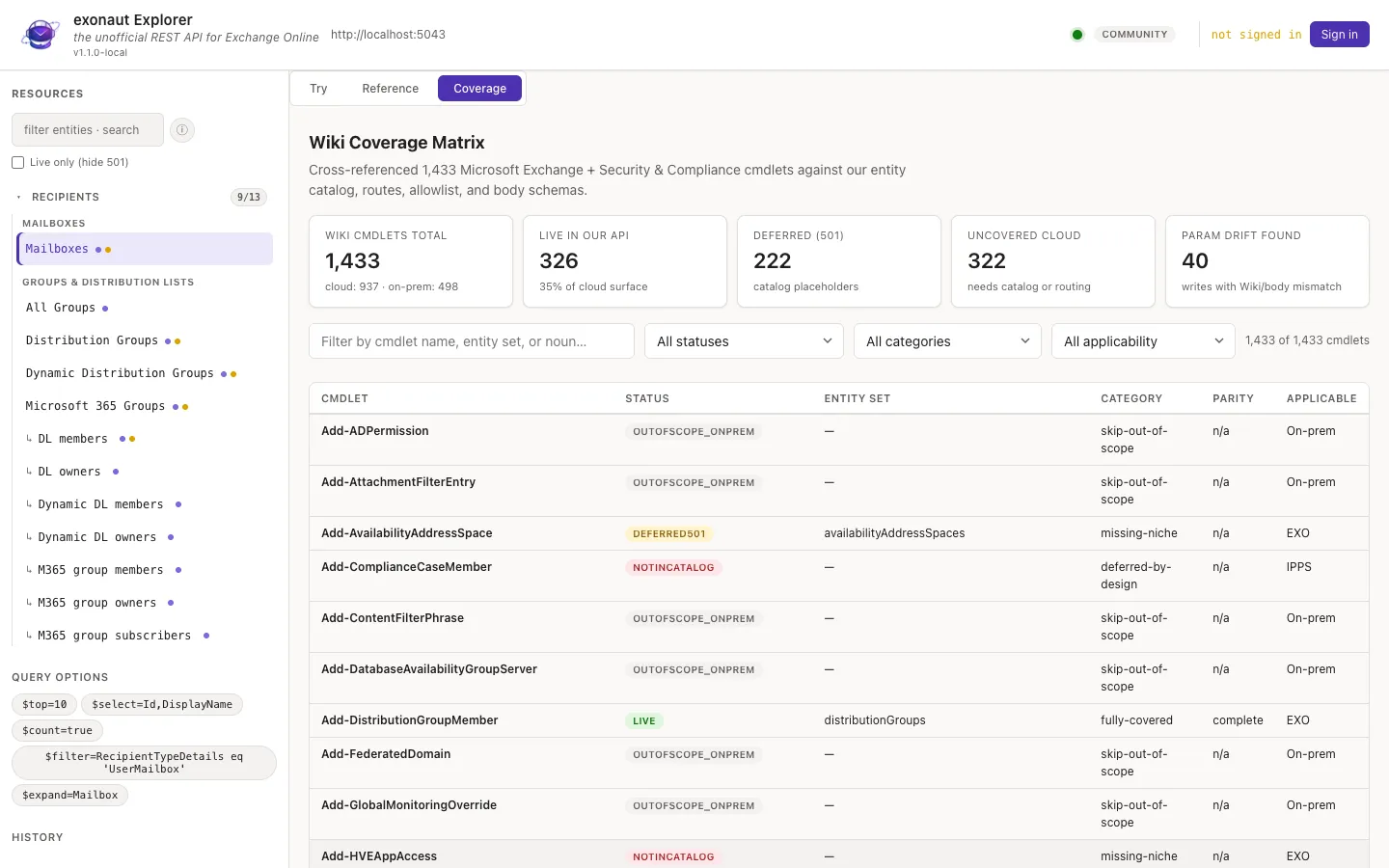
A Graph-Explorer-style web UI ships with the API: delegated sign-in, a sidebar reflected from the live catalog, path and $filter autocomplete, body-field chips reflected from the schemas, a JSON viewer and a Reference mode with per-endpoint documentation and curated examples. New endpoints appear by themselves.
Every request proves who it is, and a caller can do only the specific things it was granted.
Reads and dryRun previews are free on every plan, with no key at all. Writes are gated by an offline license key you configure on your own host; no key means Community. Pricing is announced at launch.
| Capability | Community | Pro | Enterprise |
|---|---|---|---|
| Reads and ?dryRun=true previews | yes | yes | yes |
| Per-object writes (mailbox, group, contact, device, folder, migration user) plus mail flow | no | yes | yes |
| Tenant-wide and security writes (compliance, org config, RBAC, threat policy, Purview) | no | no | yes |
| MCP server for agents (planned, v1.2.0) | no | yes | yes |
| Pricing | Announced at launch | ||
Tell us about your tenant and what you would automate first. We write to you about early access, the launch and the pricing, and for nothing else.